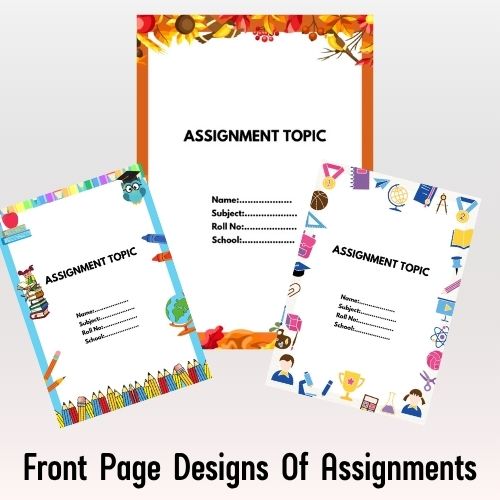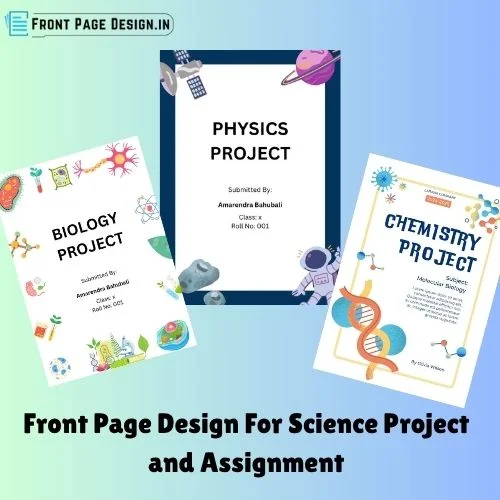

Working on a science project or assignment? You’ve probably put a lot of effort into your content—but don’t forget the front page, which gives your hard work a polished and professional first impression!
A clean, creative, and well-organized front page not only catches the eye but also shows your dedication to detail. Whether it’s a school project on biology, a physics assignment, or a chemistry lab report, the cover page is the first thing your teacher will notice.
To make things super easy for you, we’ve designed a collection of ready-to-print Word templates Front Page Design for Science Project and Assignment —just download, edit your details, and print!
✨ Perfect for:
- School & college science projects
- Assignments for physics, chemistry, biology
- Lab reports and practical notebooks
🖨️ All templates are in editable .docx (Word) format and 100% free to use!
🔬 Science Project Front Page Design [Free MS Word Template Download]
When designing the front page for a science project, it’s important to keep it clear, neat, and topic-focused. The design should reflect the subject of your project and catch the reader’s attention.
Designing a cover page for your Biology project? Here are some helpful tips to make it look clean, creative, and professional:
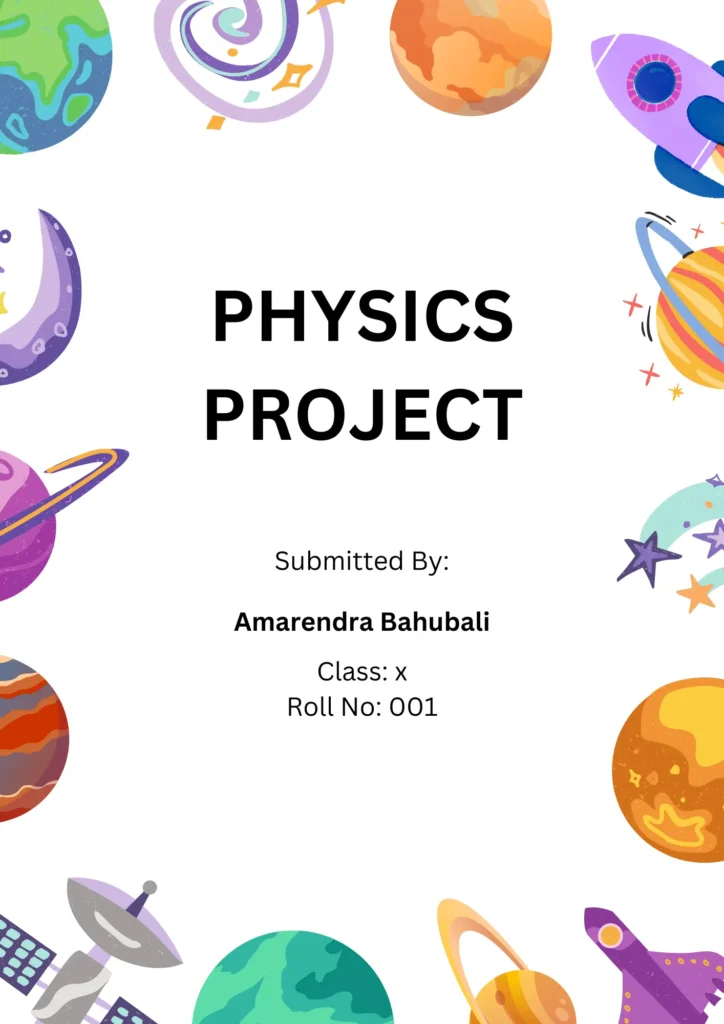
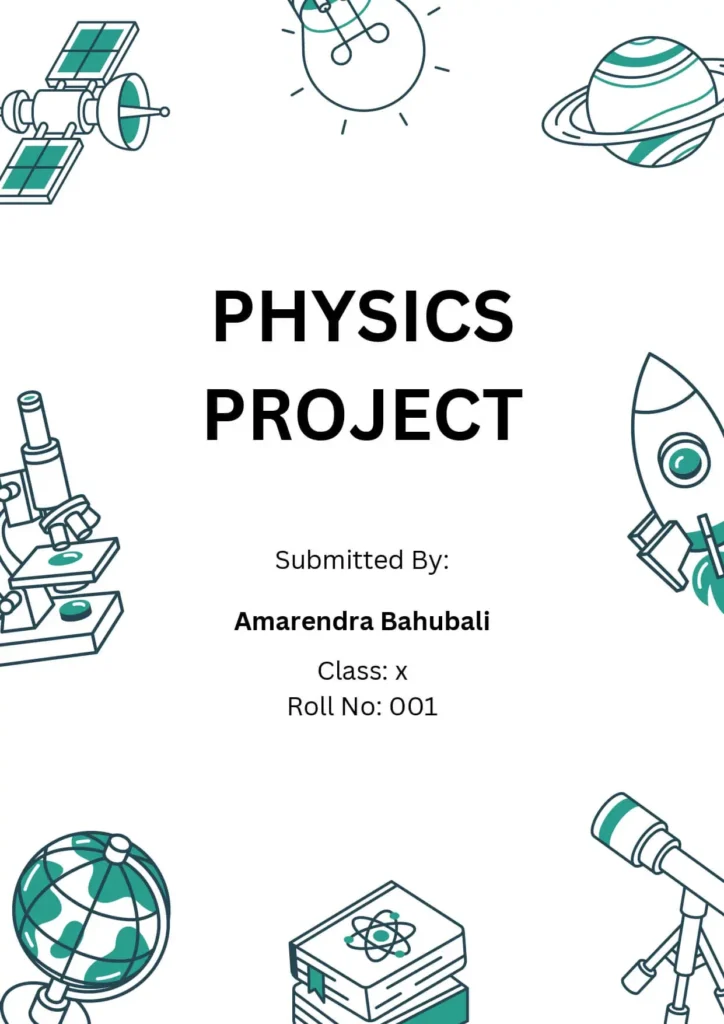
Front Page Design For Physics Project
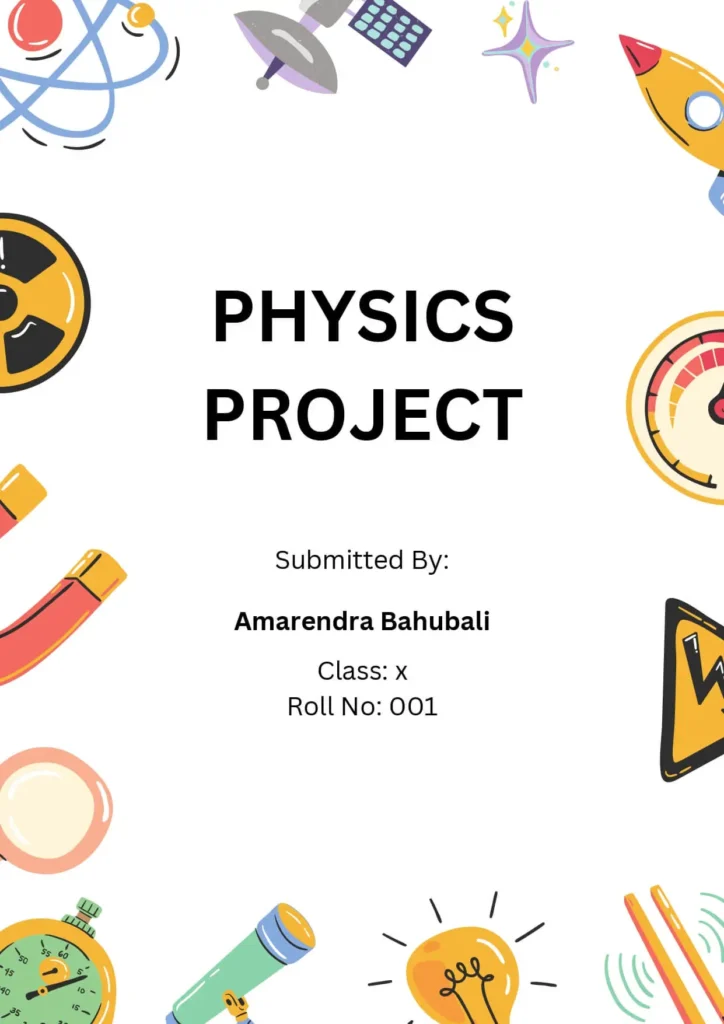
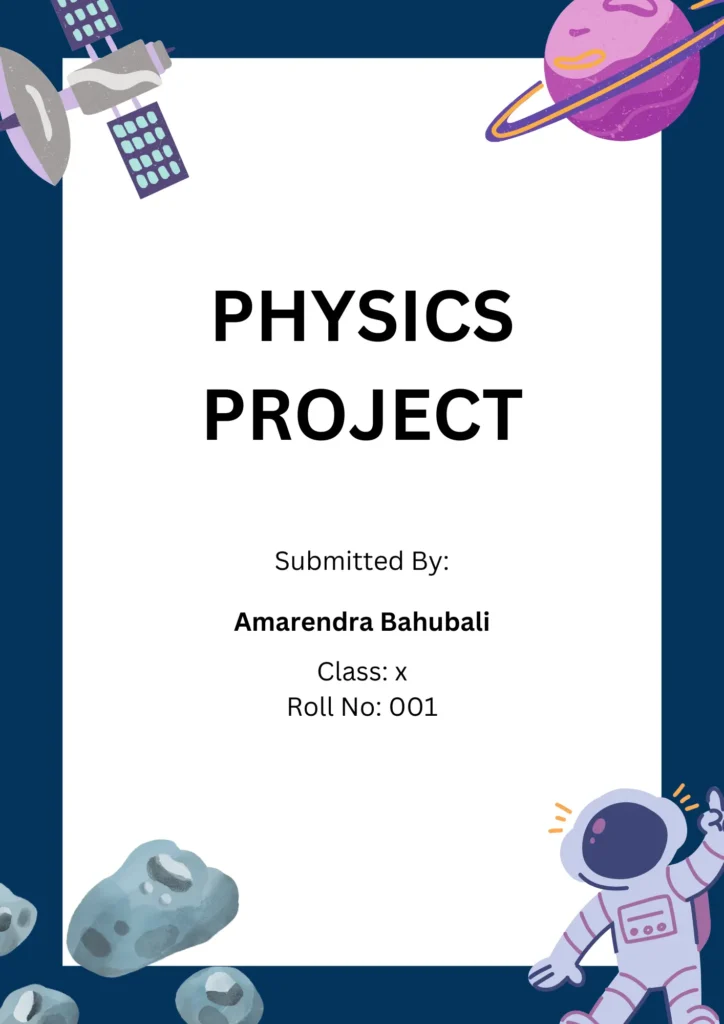
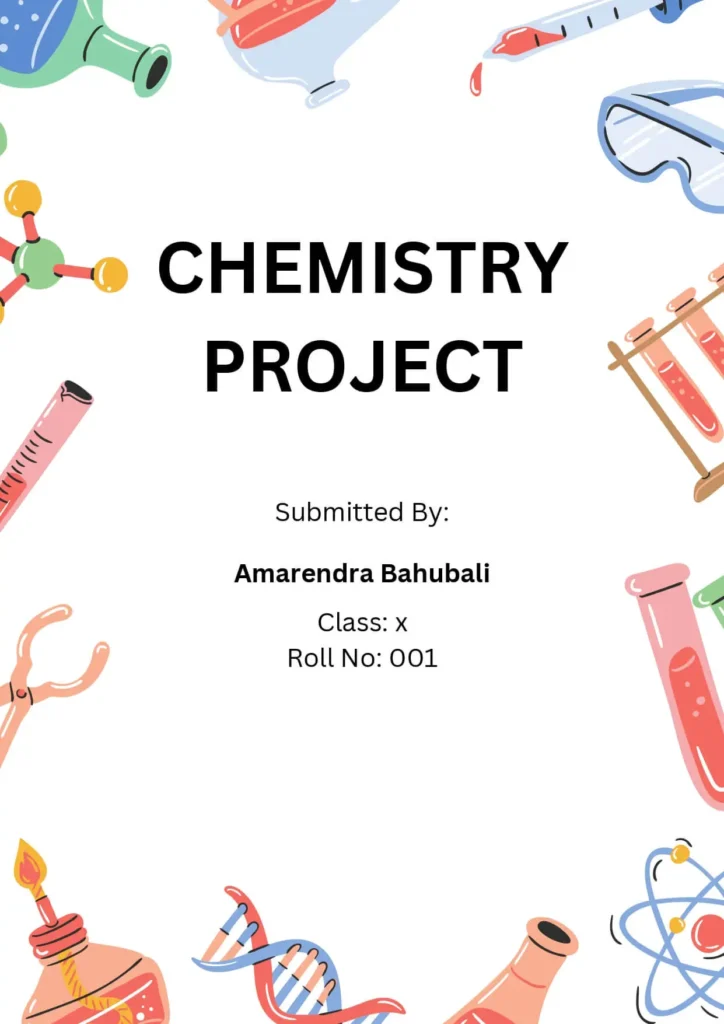
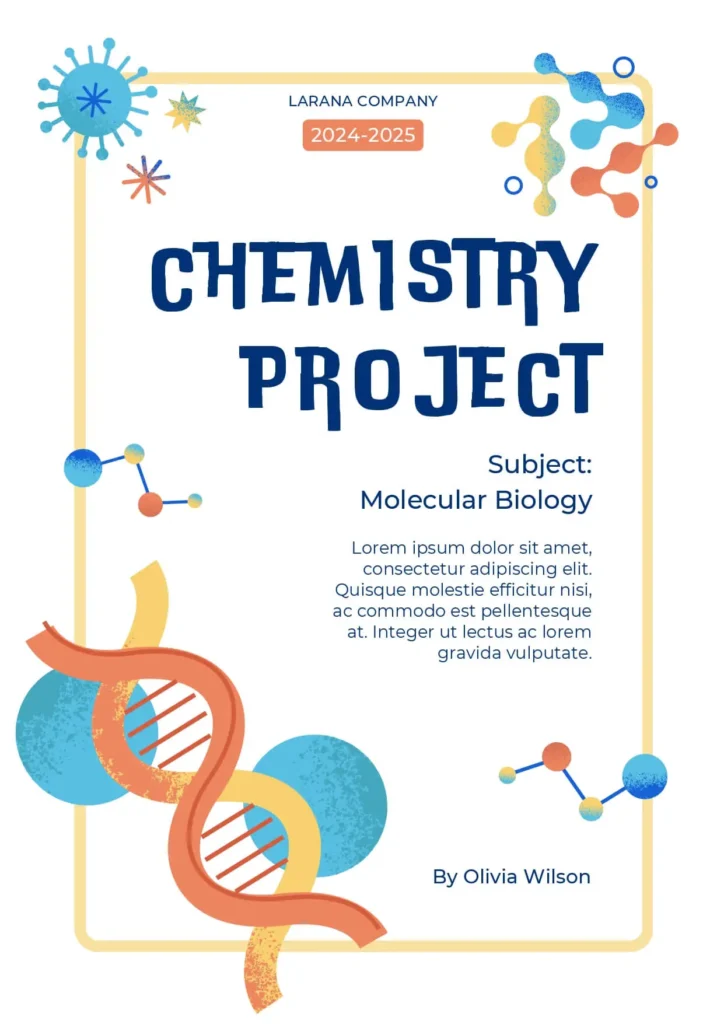
Front Page Design For Chemistry Project
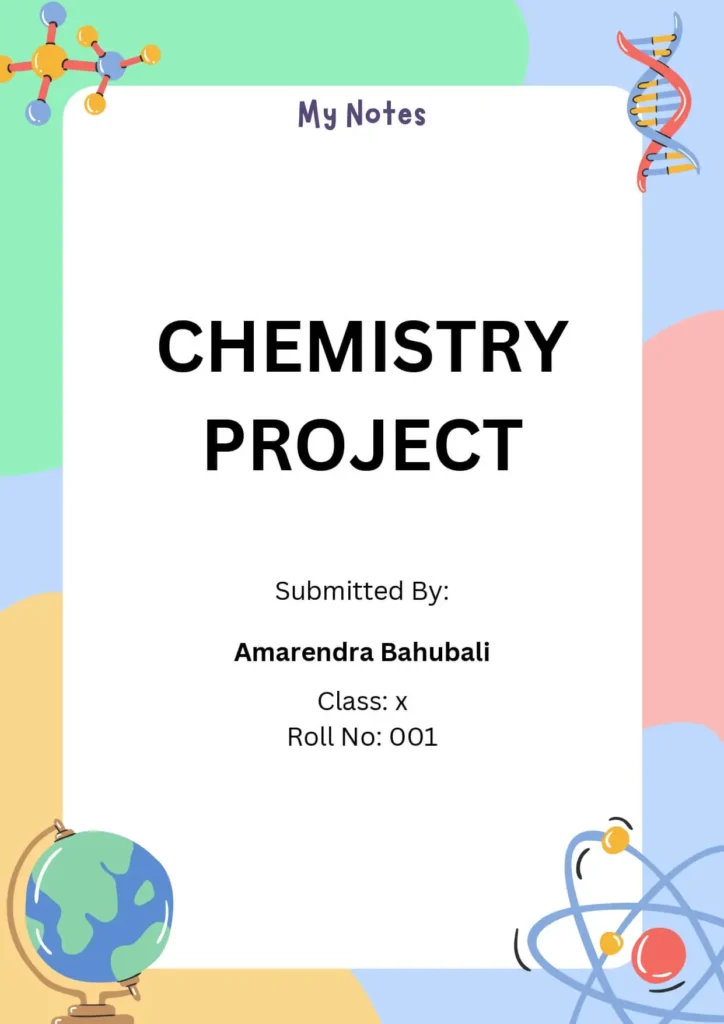
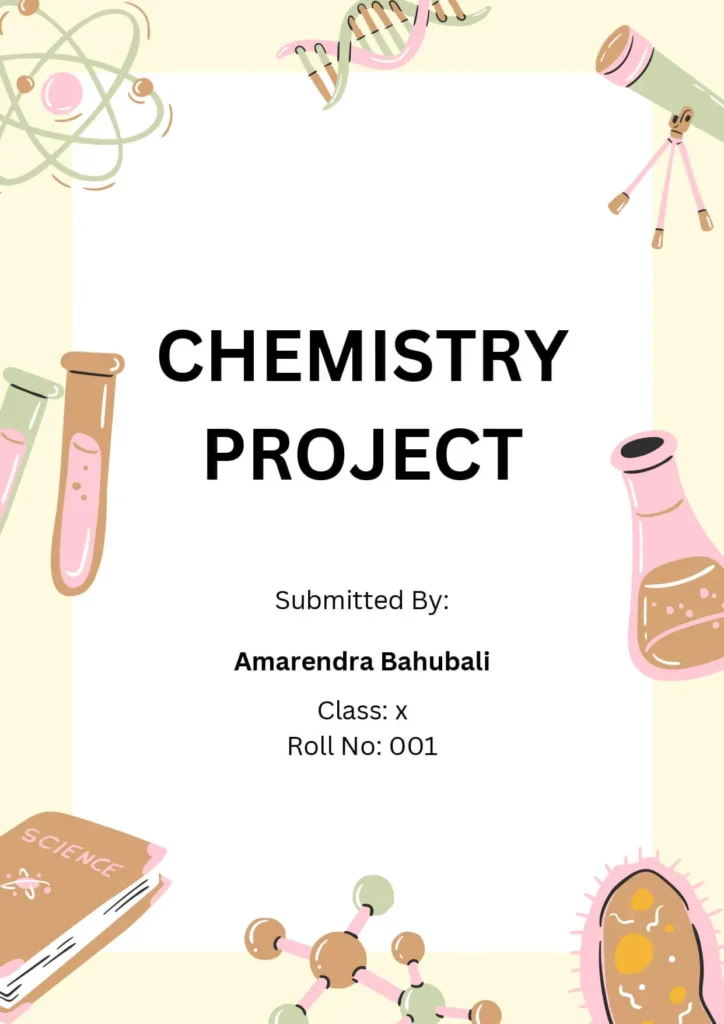
⚗️ Front Page Design Tips for Chemistry Project
Want to create a cool and professional-looking cover page for your Chemistry project? Here’s a simple design idea you can follow:
✅ Color Theme:
Use a light blue or green background to give a science-like feel, just like a chemical in a test tube.
✅ Title Style:
Write the project title using a bold font like Arial or Verdana in white or yellow. Keep it big and at the center to grab attention.
✅ Project Description:
Below the title, add a short description like “An investigation into the properties of chemical reactions” in smaller white or yellow font.
✅ Personal Details:
Write your name, class, and date in small black font at the bottom corner of the page.
✅ School Logo:
Add your school or college logo at the top corner to make it look official.
✅ Add a Graphic:
Include a small image or illustration like a periodic table, lab equipment, or chemical reaction to match the topic.
✅ Add a Border:
A simple white border around the page gives it a clean and finished look.
🎯 This design keeps your front page neat, relevant to Chemistry, and visually appealing—perfect for scoring extra points on presentation!
Also check : 6 Types of Assignment Front Page IGNOU: Download Any One
Front Page Design For Biology Project
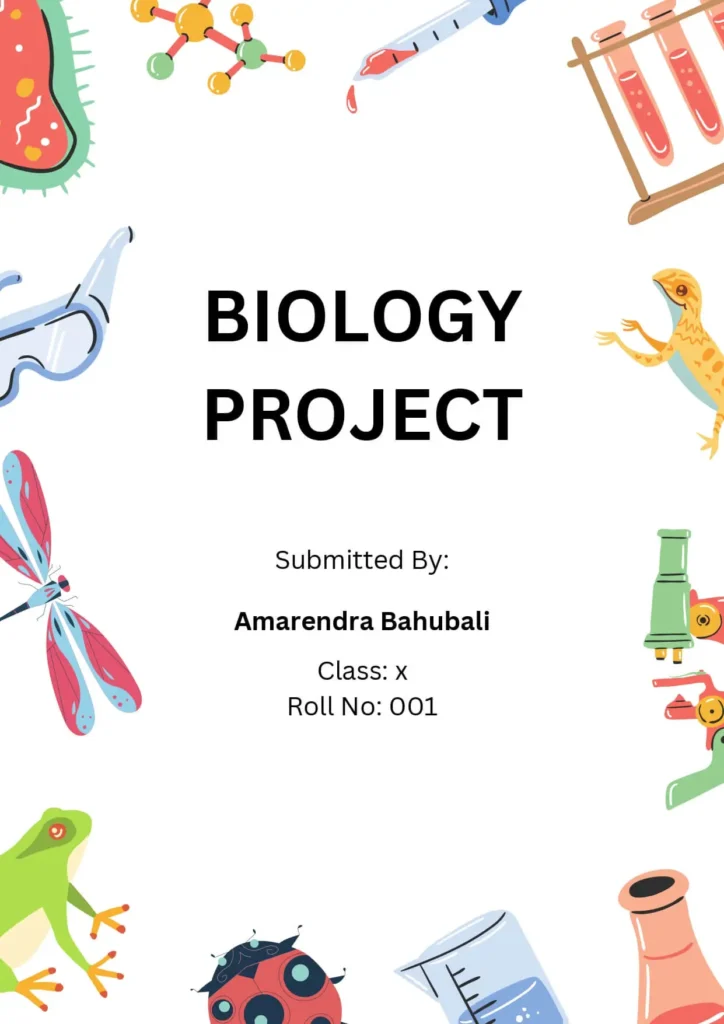
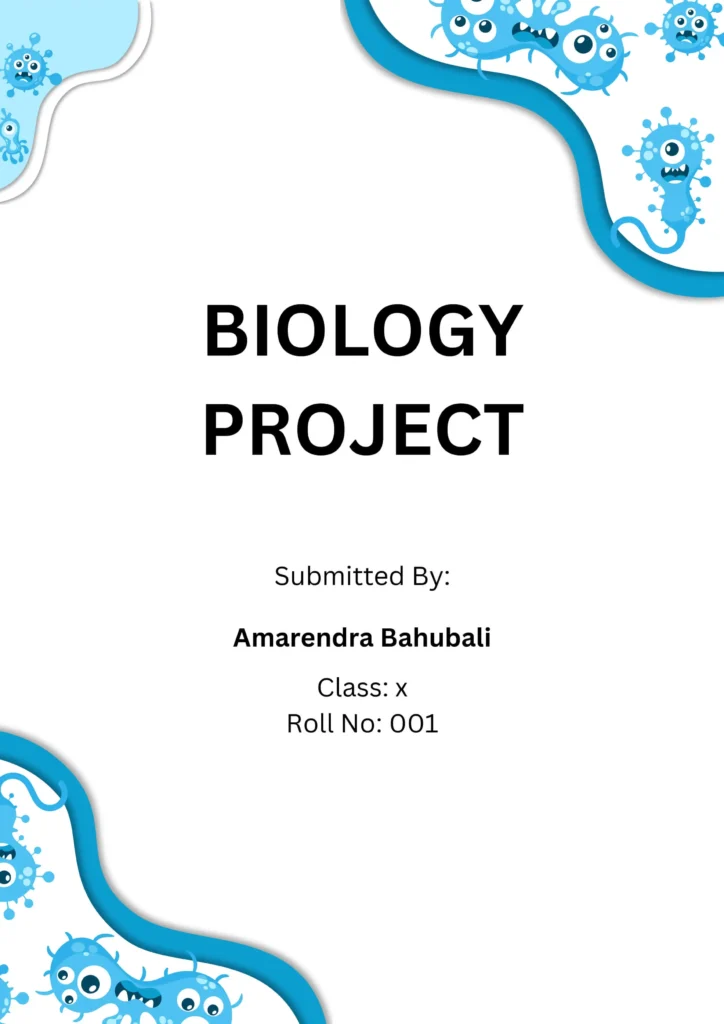
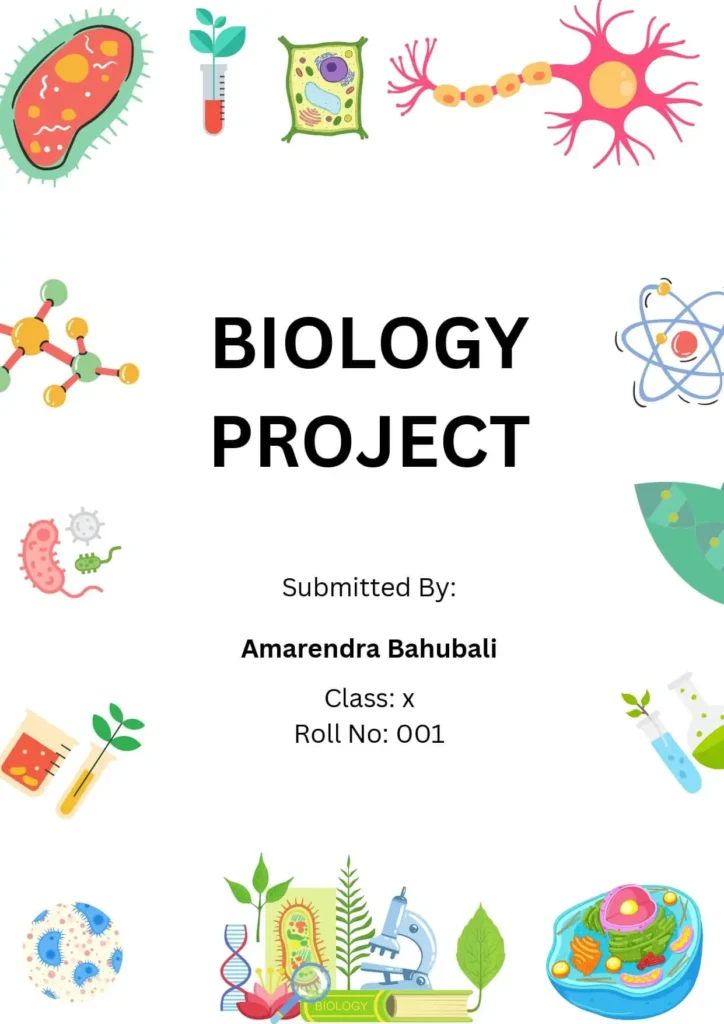
🌿 Front Page Design Tips for Biology Project
✅ Title:
Choose a short and clear title that tells what your project is about.
✅ Your Name(s):
Write the name(s) of the student(s) who did the project. Place it where it’s easy to see.
✅ Date:
Add the date the project was finished. You can put it in the top or bottom corner of the page.
✅ School or Institution Name:
Include the name of your school or organization, if needed.
✅ Images or Graphics:
Use pictures or diagrams that match your Biology topic — like plants, animals, cells, or the environment.
✅ Short Description:
Write 1–2 lines about what your project is about — its purpose, method, or results.
✅ Color and Look:
Pick colors that go with your topic. For example:
- Use green or blue for topics about nature, environment, or water.
- Use yellow or orange for topics like plants and botany.
💡 Tip: Always check with your teacher in case they have specific cover page rules or format.
With these tips, your Biology project front page will look neat, informative, and eye-catching!
FaQs
What is the format of the downloaded file?
All our templates are provided in .doc format (Microsoft Word file), so you can easily open and edit them.
How do I edit the template?
You can edit the templates using MS Word or any other software that supports .doc or .docx files (like Google Docs or WPS Office).
What is the size of the templates?
All templates are designed in A4 size, which is ideal for school and college assignments.
Can I print these templates directly after downloading?
Absolutely! These are ready-to-print templates. Just fill in your details (name, subject, class, etc.) and print.
Are these templates suitable for Class XI & XII students?
Yes, these designs are perfect for students of Class 6 to Class 12, including science stream subjects like Physics, Chemistry, and Biology.
Are these templates free to use?
Yes, all our front page templates are 100% free for personal and educational use.
Will more designs be added later?
Yes! We regularly update our collection with new front page designs, so keep checking back for fresh templates.
![Simple Assignment Front Page Design [Free MS Word Template Download]](https://frontpagedesign.in/wp-content/uploads/2025/07/Simple-Assignment-Front-Page-Design-Free-MS-Word-Template-Download.jpg)